
LED Video Wall Solutions
A seamless canvas for the way your room works.
LED video walls built for your space
A seamless canvas for the way your room works. MOYASS helps plan the display, control system and installation around the space, the viewing task and the content you need to show.
Start with the room
Before choosing the display, define the wall dimensions and finished depth. Record the nearest viewing position and the smallest text or detail people must read. Then list the signal sources, content proportion and number of simultaneous windows. These answers guide the pixel pitch, cabinet style, processor and installation method.
One canvas, different settings
LED walls are built from modules and cabinets, so their final dimensions and aspect ratio can be planned around the space. Meeting rooms, control centers, exhibition areas and public spaces call for different image detail, brightness, structure and service access.
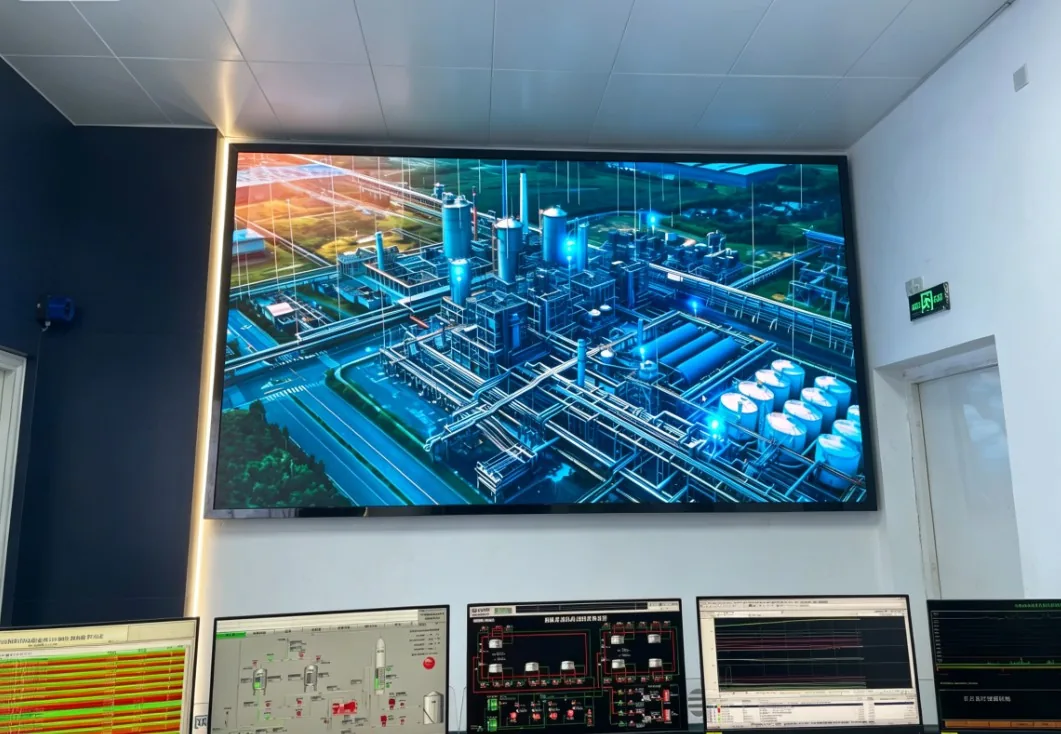
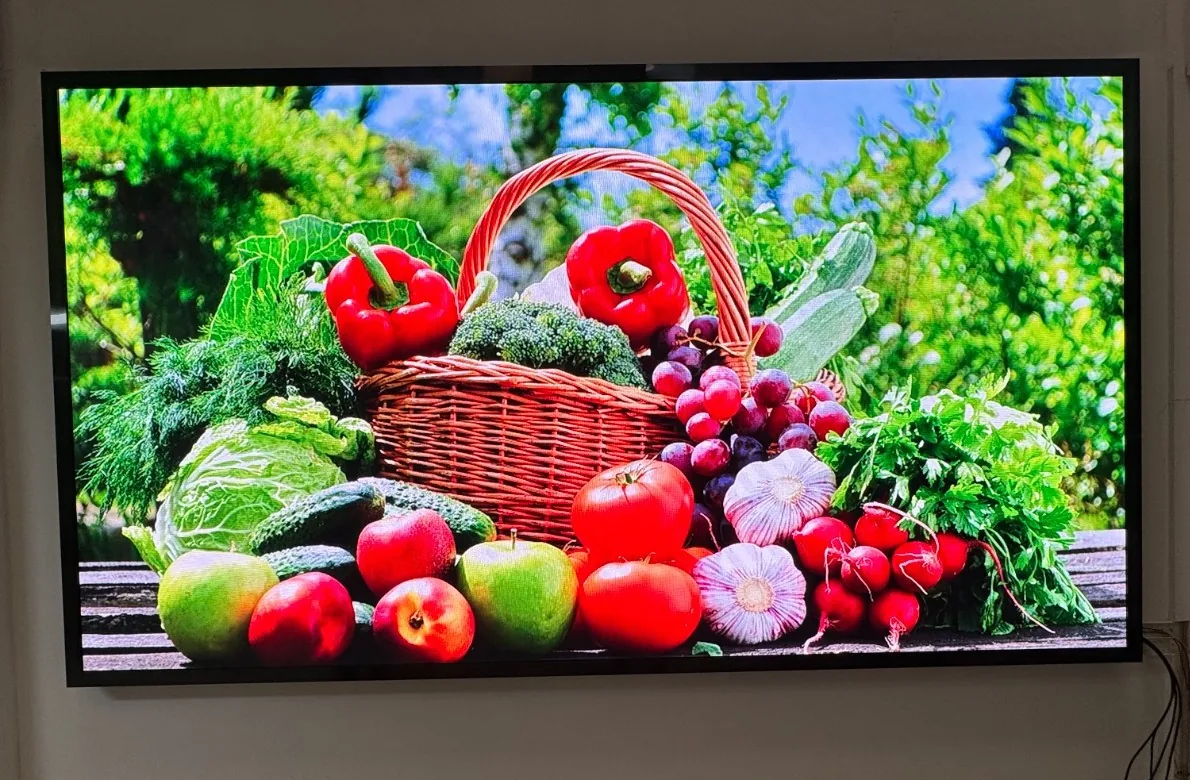
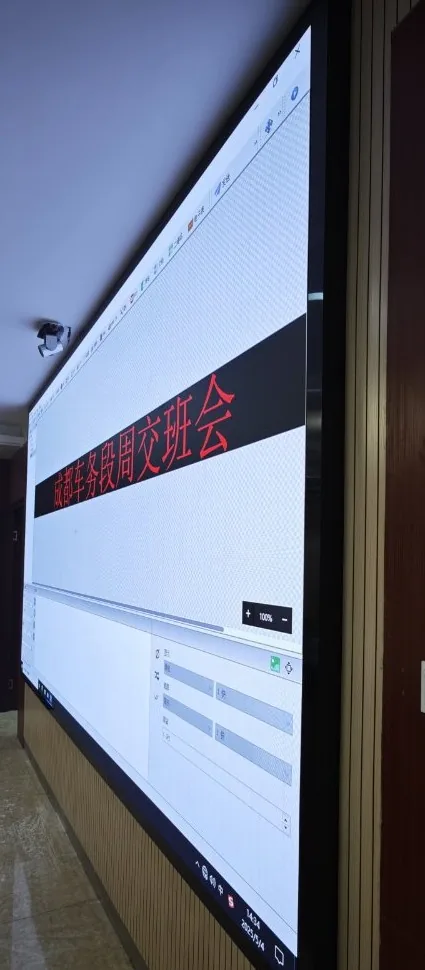
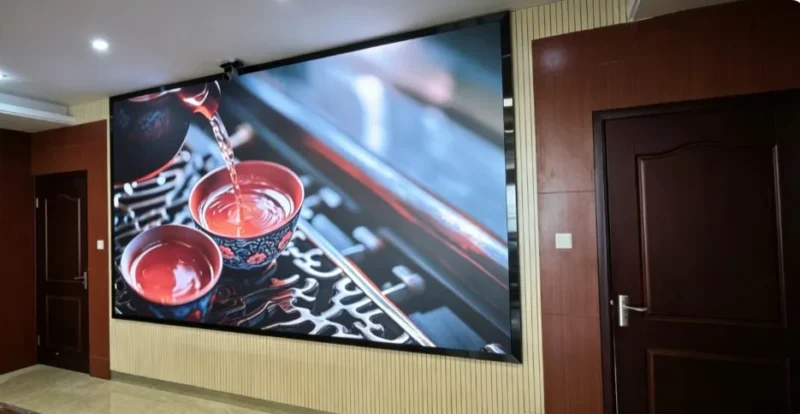
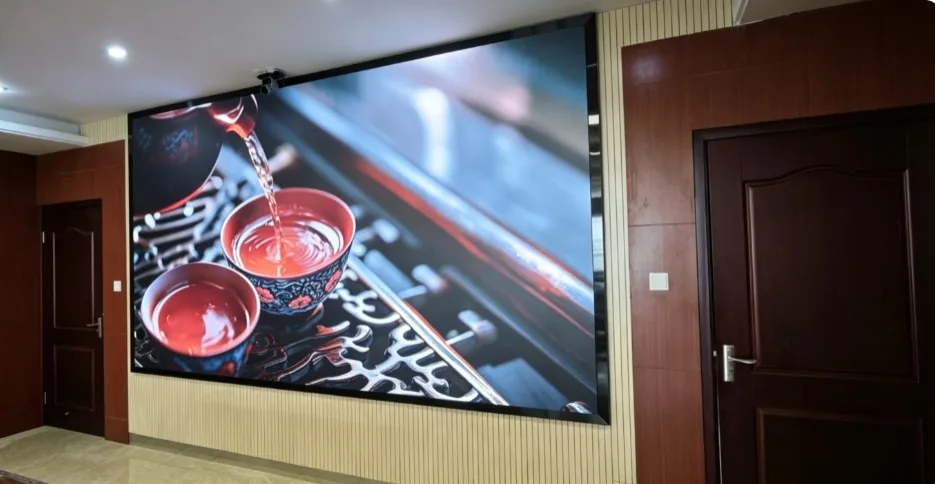
These are installation images supplied by MOYASS. They show possible room contexts, not a single advertised model or verified project specification.
From modules to a complete system
LED modules form cabinets; cabinets form the visible screen. The finished installation also needs mechanical structure, signal processing, transmission, power distribution, cooling and a practical maintenance plan. A typical signal route runs from content sources through processing and control to transmission, receiving electronics and LED cabinets.
Controller capacity should be checked against the actual pixel count, input format, maximum width and height, required windows and any redundancy requirement. Power design should use the selected equipment’s specifications and local electrical requirements. Backup for the control chain and backup for the full display are different design scopes.
Choose the right pixel pitch
Pixel pitch is the center-to-center spacing between adjacent pixels. A smaller pitch can render finer detail at a closer distance. Viewing distance is only a starting point; text size, content resolution, ambient light and budget matter too.
How to read the notation: P1.8 indicates 1.8 mm between pixel centers. This is a general example from the supplied training material, not a product specification or a recommendation for every room.
LED or LCD? Consider LED when the project needs a large seamless canvas or a custom proportion. A single LCD panel can remain suitable for a smaller room where people read fine text from nearby. Select for the viewing task and the complete cost of ownership.
Plan beyond the picture
- Structure and access: Confirm the wall’s capacity, entry route, finished depth, heat dissipation and front or rear service access.
- Signal and control: Match sources, interfaces, processor, controller and transmission topology to the real canvas and content workflow.
- Power and continuity: Define distribution, protection, grounding and any required UPS or redundant chain for the selected equipment.
- Handover: Test image uniformity, signal switching and recovery, electrical protection, structural details and maintenance documentation.
Application scenarios
- Meeting rooms
- Control centers
- Exhibition areas
- Public spaces
Build the brief with MOYASS
Tell us the available wall dimensions, nearest viewing distance, content type and signal sources. MOYASS can use that brief to develop a project-specific display and system plan.
Get a Quote